Managing Multiple Client Timezones from Your Nomad Destination
Stop Waking Up at 3 AM for a "Quick Chat"

Let's be brutally honest for a second. The dream sold you sunset laptop shots and freedom. The reality? You're chugging cold brew at an ungodly hour because your biggest client's "stand-up" is at their 9 AM, which is, tragically, your 3 AM. This isn't sustainable. It's a fast track to burnout and resentment. That panicked, time-zone-juggling feeling? It means your system is broken. But it’s fixable. You just need to stop trying to live in five places at once.
Your Mindset is Your First Timezone Tool
Here's the thing: you are not a global 24/7 customer service line. You are a professional with working hours, even if they're flexible. The single biggest shift isn't finding a better app—it's ditching the guilt. You don't need to be instantly available to prove you're working. Actually, instant availability often makes you look reactive, not strategic. Your new mantra: "I operate asynchronously by default." This changes everything.
Become a World Time Buddy Power User
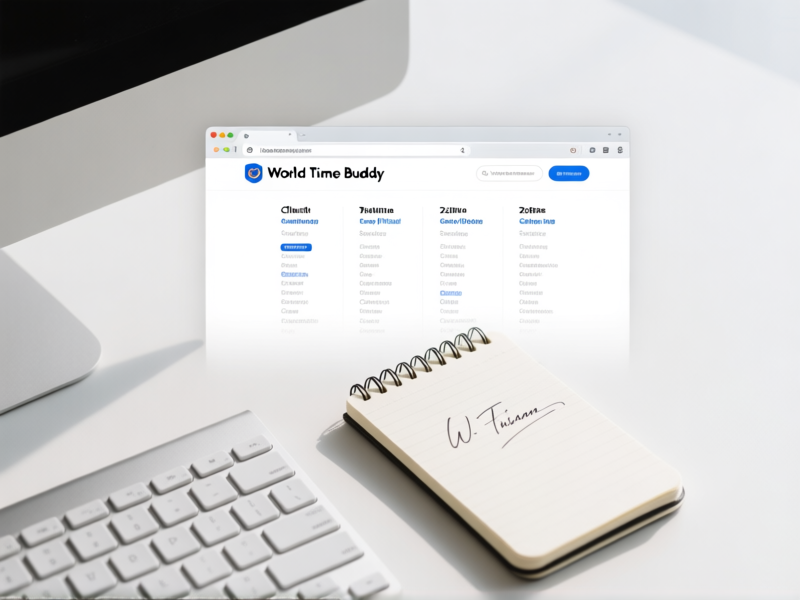
Forget the mental gymnastics. You need a visual command center. Tools like World Time Buddy or Every Time Zone are non-negotiable. Create a shared view with all your clients' cities and your base. The goal? To visually spot the sweet spots—the 2-4 hour windows where your day overlaps with theirs. That's your sacred zone for *potential* live calls. Everything else? Email, Loom videos, Slack updates. Async work is your superpower, not a compromise.
Master the Art of the Async Update
Live meetings are often a waste of everyone's time. Fight me on this. Instead, get obsessed with clear, concise async communication. A five-minute Loom video walking through a design mockup. A bullet-pointed status update in a project management tool at the end of your day. These are gifts that arrive in your client's inbox when *they* start work. It shows proactive progress and respects both schedules. It forces clarity. No more rambling 30-minute calls that could've been an email. Because it *is* an email. A really good one.
Batch Your "Live" Work into Power Windows
Scattering calls throughout your week destroys focus. It turns you into a meeting zombie. So, block it. Carve out Tuesday and Thursday afternoons, for example, as your "live interaction" windows. This is when you schedule all calls, hop on Slack for quick answers, and do real-time collaboration. Protect the rest of your time for deep, focused work. This tells your brain (and your clients) that you're not perpetually on-call. You're in control of your calendar, not the other way around.
Set the Rules Early and Unapologetically
This is where most freelancers chicken out. You have to set expectations from the very first conversation. Put it in your proposal. Repeat it in the kickoff call. "For clarity, I operate across timezones and default to async communication for efficiency. We'll schedule our check-ins during our overlapping hours." Say it with a smile, but mean it. A professional client will respect this. A client who demands 3 AM Zoom calls will reveal themselves early. And you can politely walk away. Your sanity is worth more than that gig.